Sessions side by side
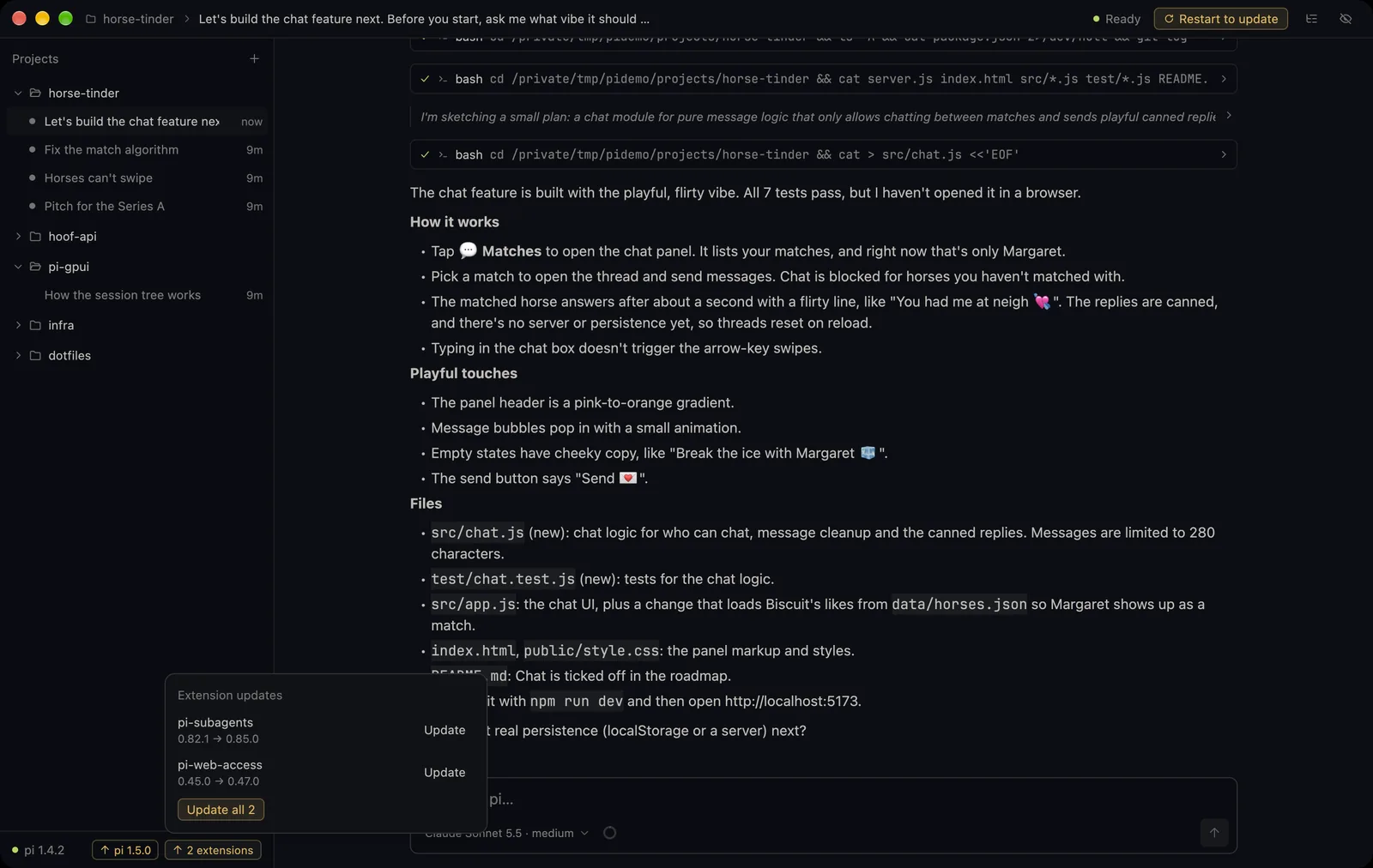
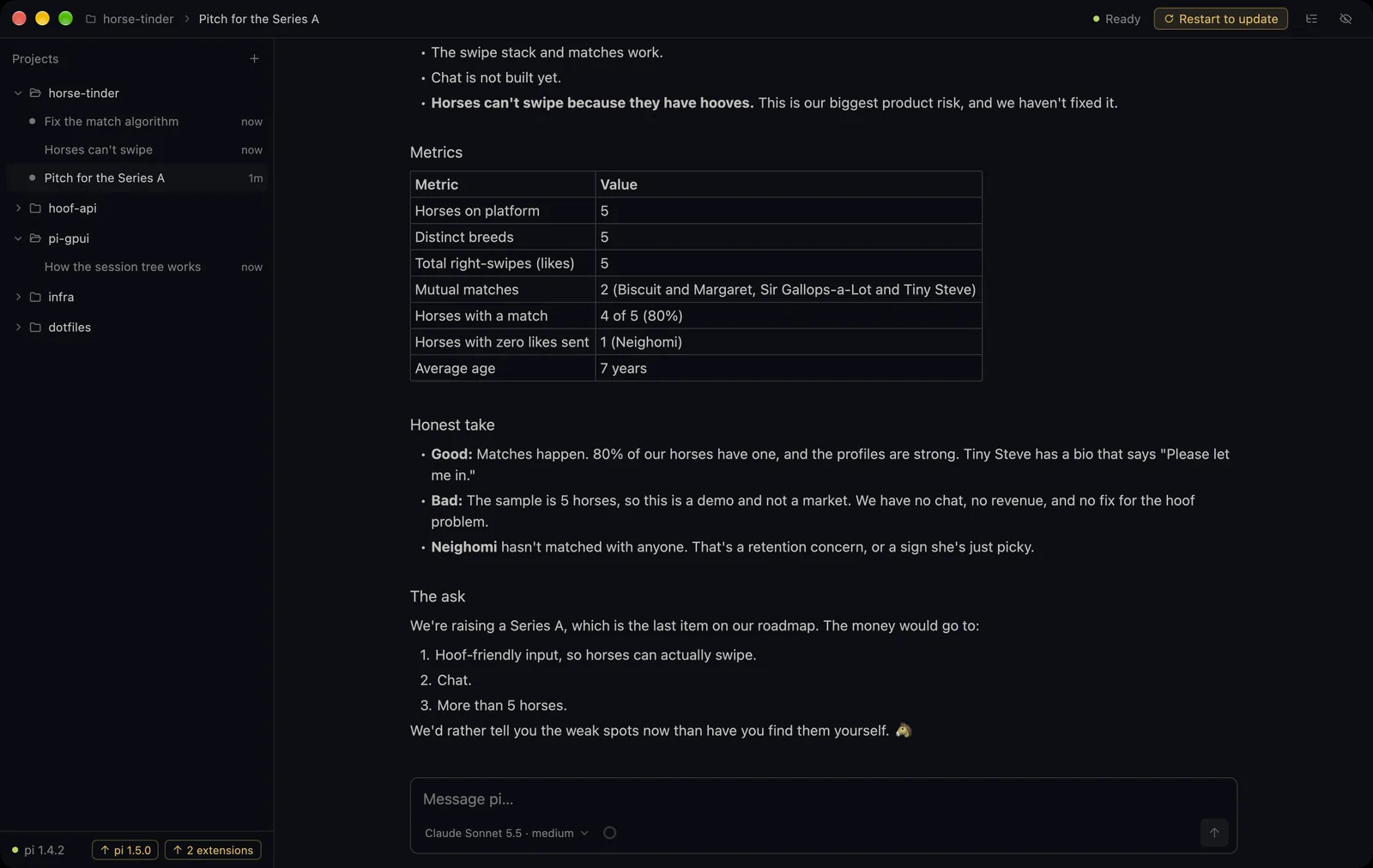
Projects and their sessions sit in a sidebar. Every open session runs its own pi, so switching never stops work.
 Pi GPUI
Download
Pi GPUI is an interface for the pi coding agent. It runs the pi you already have, with your models, extensions, skills and sessions, in a window written in Rust and drawn on the GPU.
Needs pi 1.4+ · free · updates itself
Real session, sped up: building Horse Tinder, the Tinder for horses. pi asks a question right in the chat, then gets to work.
Features
Projects and their sessions sit in a sidebar. Every open session runs its own pi, so switching never stops work.
Walk the branches of a session with the keyboard, jump back to any message and summarize the branch you leave.
Try another direction from any point. The original session stays as it was.
Extension commands, prompt templates and skills from pi, plus /compact, /model, /name, /copy, /export and more.
Paste or drop files into the message field. They become chips and are sent as paths, the same way pi does it in the terminal.
A ring next to the model shows context used, when pi compacts, cache hits and plan limits.
When an extension asks something, the question shows up in the transcript. Pick with a click, a digit or the arrows.
Switch model and thinking level for one session without touching pi's defaults.
The app updates itself. Updates for pi and its extensions show next to the version and run only when you click.
How it works
Pi GPUI starts pi --mode rpc as a child process for each session and talks to it in JSON lines. There is no SDK wrapper, no second agent loop and no copy of pi inside the app. Whatever works in your terminal works here: models, providers, extensions, skills, prompt templates.
The interface is GPUI, the framework behind the Zed editor. Text, code and the transcript are drawn with Metal, so long sessions scroll without stutter.
Pi GPUI  Rust · GPUI · Metal
   │
   │  JSONL over stdin / stdout
   ▼
pi --mode rpc  your install
   │
   ▼
models · tools · extensions · your files
A day at Horse Tinder
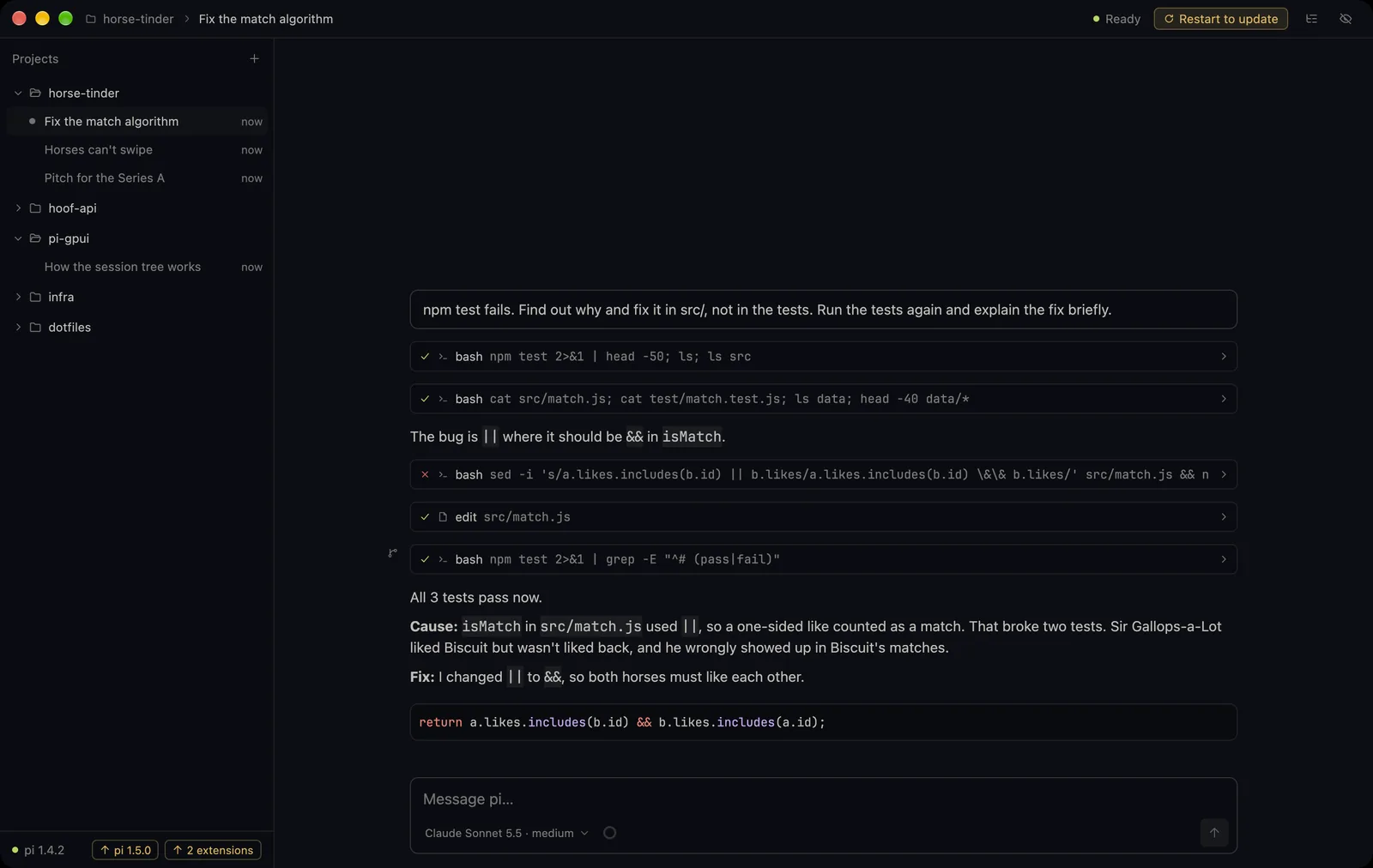
isMatch and runs them again.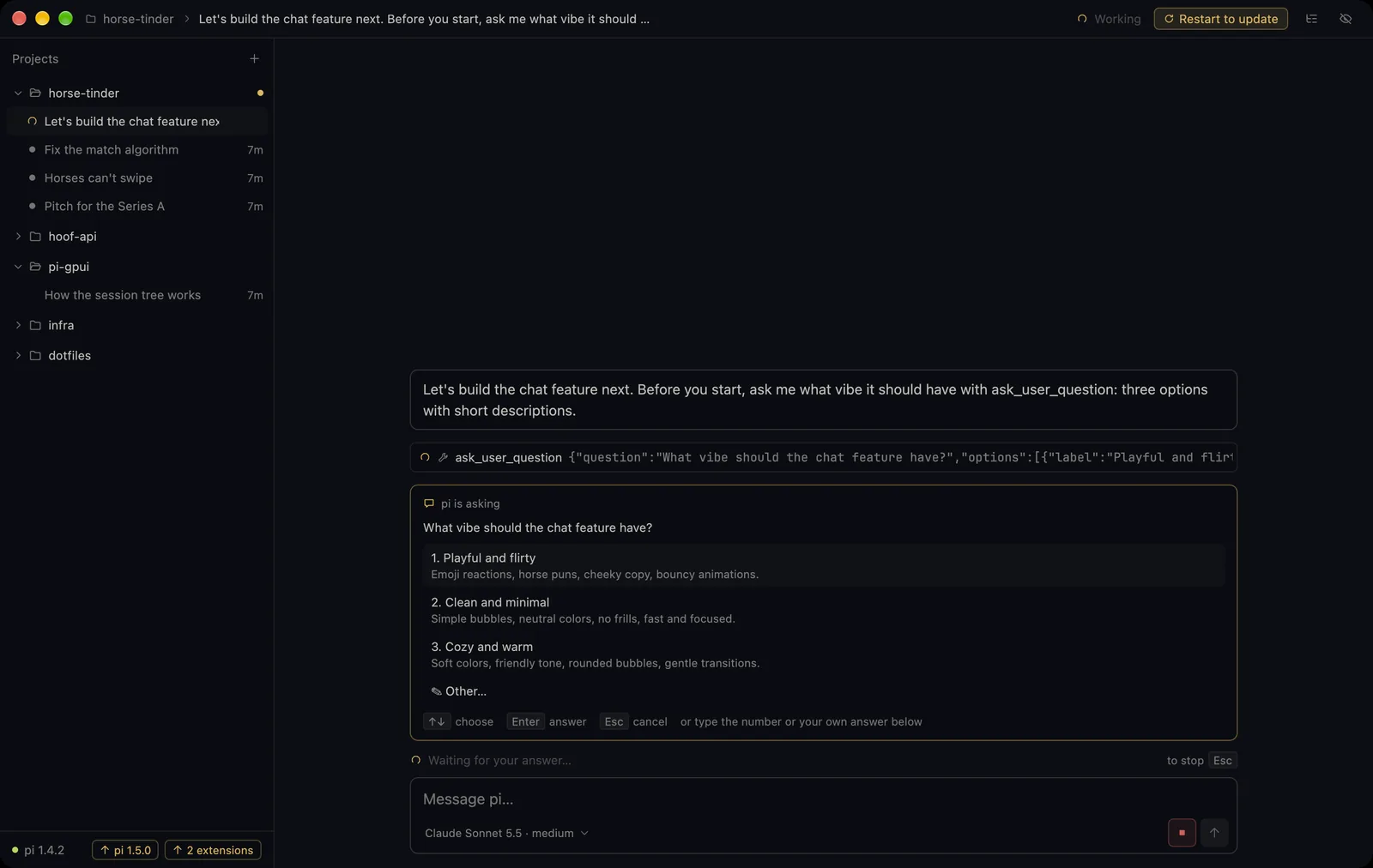
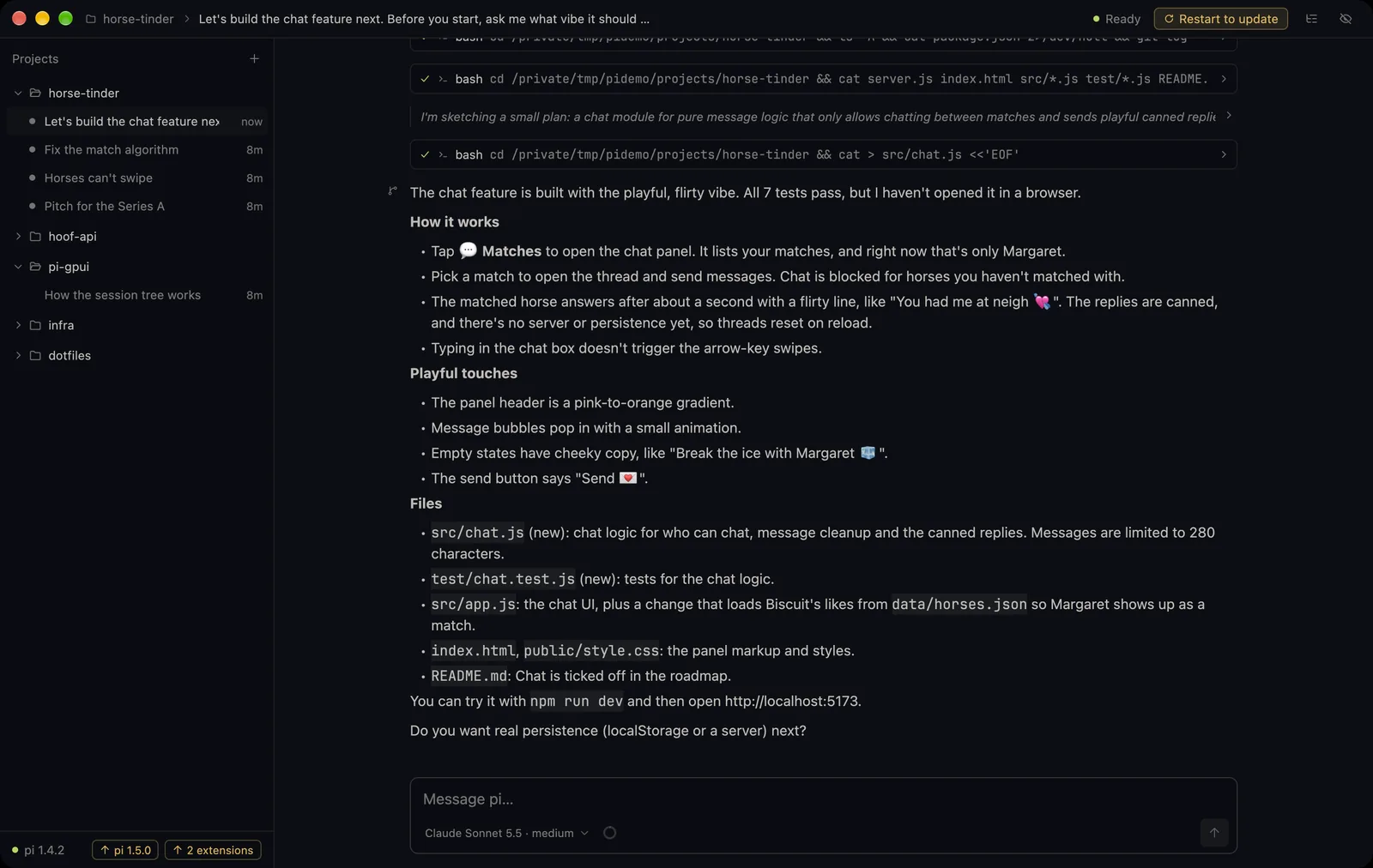
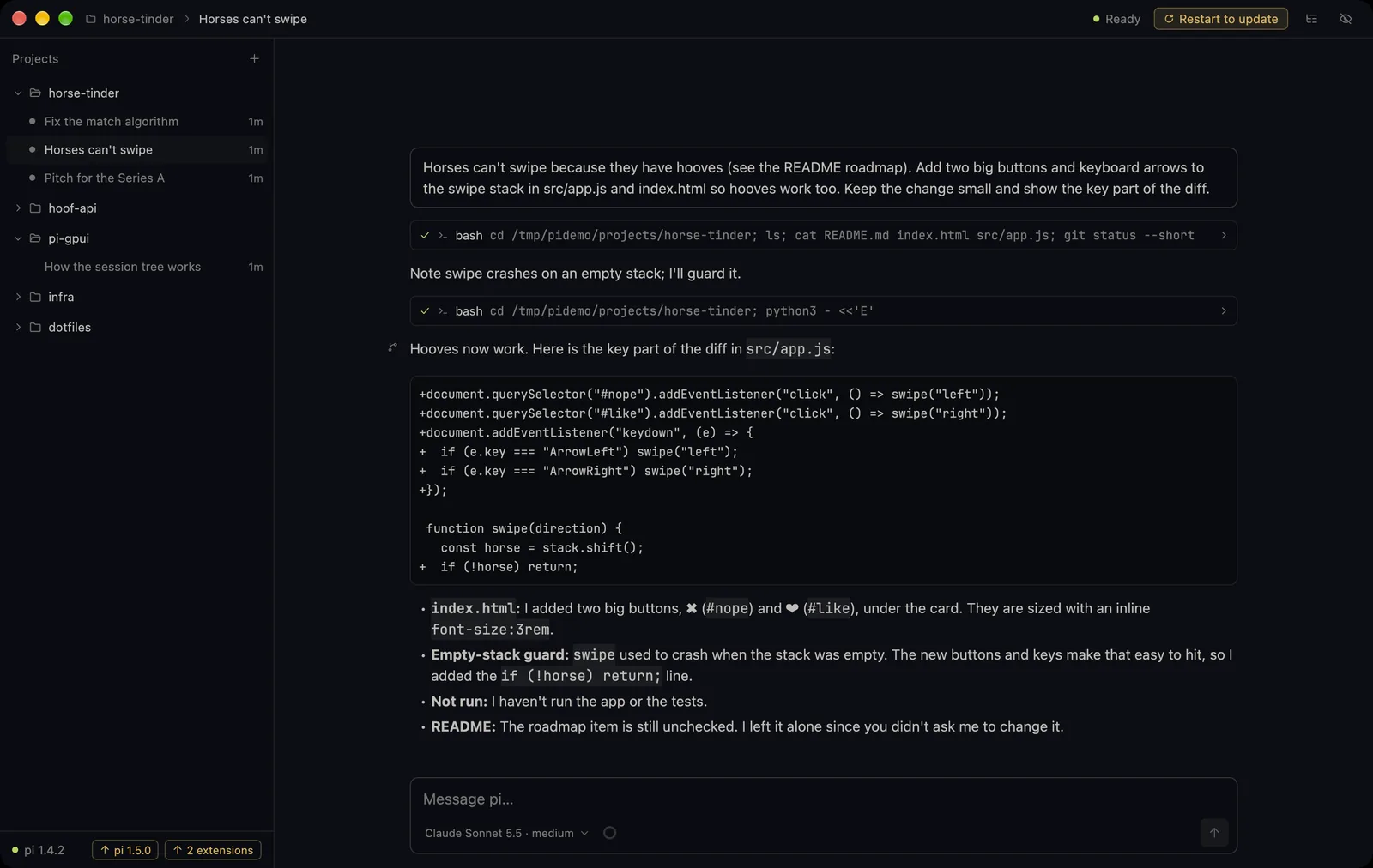
Keyboard
FAQ
A native macOS interface for the pi coding agent. It starts your installed pi in RPC mode and shows projects, sessions, tool calls and answers in one window.
If you want a desktop app for agentic coding, yes. Pi GPUI is a GUI for pi, an open coding agent that works with Claude and other providers. You keep pi's models, extensions and skills and get a native Mac window around them.
Yes. Rust on GPUI, rendered with Metal. pi stays the agent engine, the app talks to it over JSON lines.
Yes, pi 1.4 or newer within 1.x. The app finds it in PI_EXECUTABLE, PATH or your login shell, so nvm installs work. It never installs or updates pi on its own.
Macs with Apple silicon. New versions arrive through GitHub releases, and the app offers "Restart to update" when one is ready.
Yes. Free to download, source on GitHub.